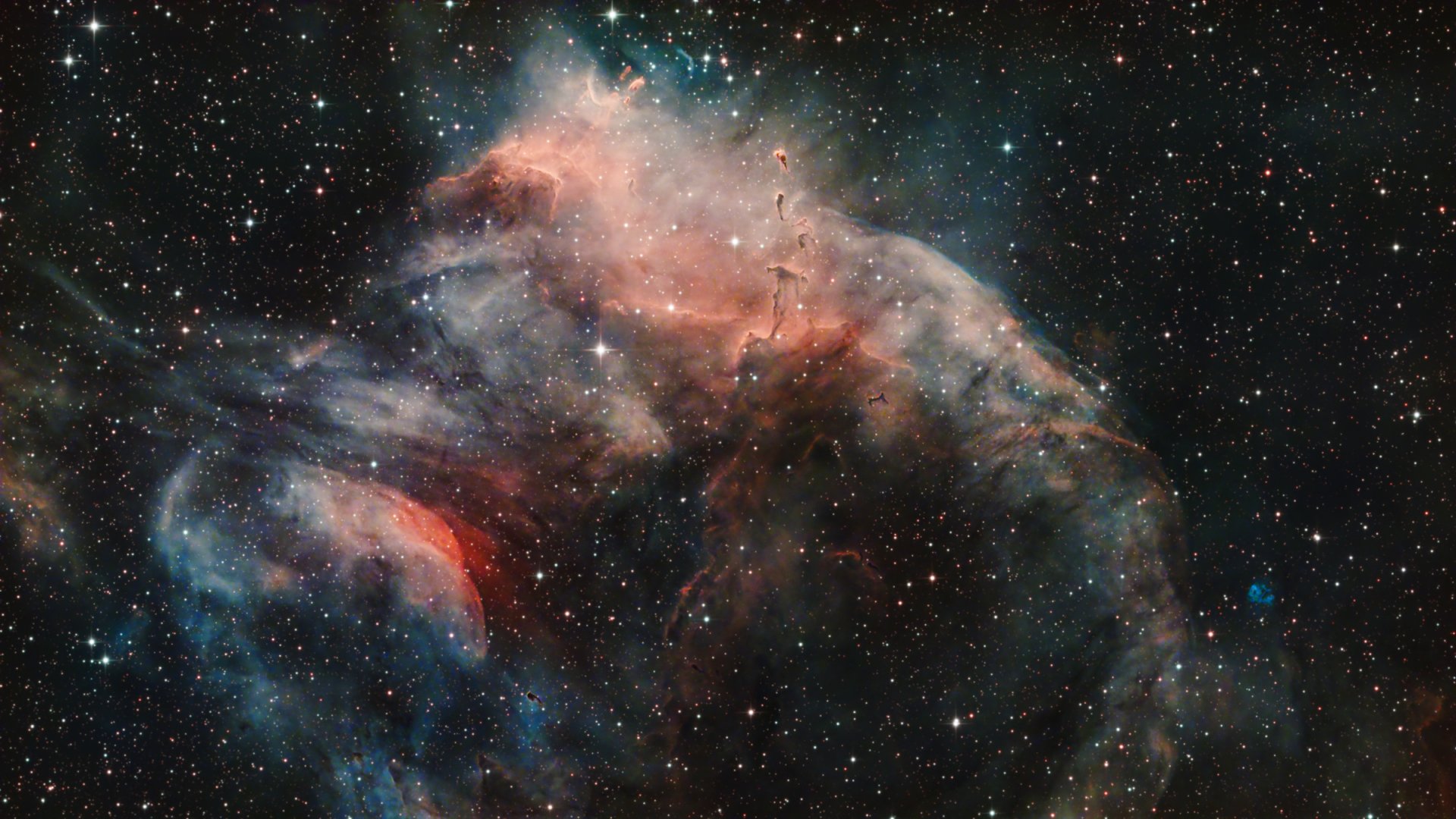
This was fun to work with! I used Pixinsight, applying Graxpert, BlurXTerminator, NoiseXTerminator and StarXTerminator, and then I did a LinearFit to even out the colour channels, stretched, and adjusted Curves before going into Photoshop to do a bunch of things to tweak the colours and contrast.
| Dimensions | 2400 x 1350 px |
| File Size | 2.7 MB |
| Format | JPEG |
| Published on | 2026-05-26 |






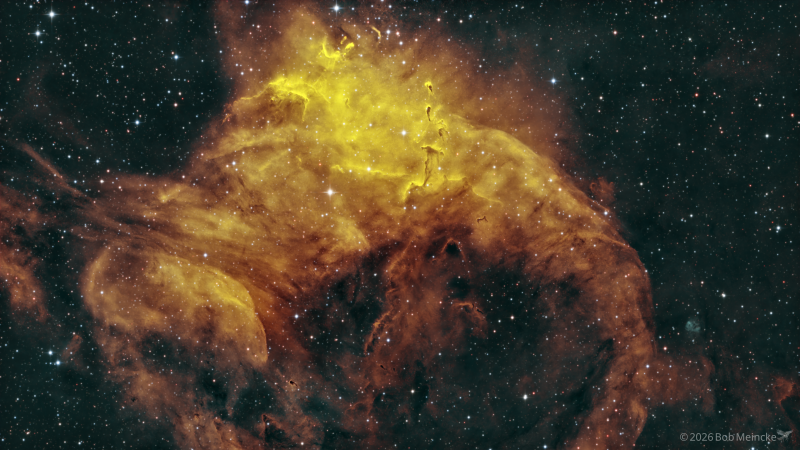
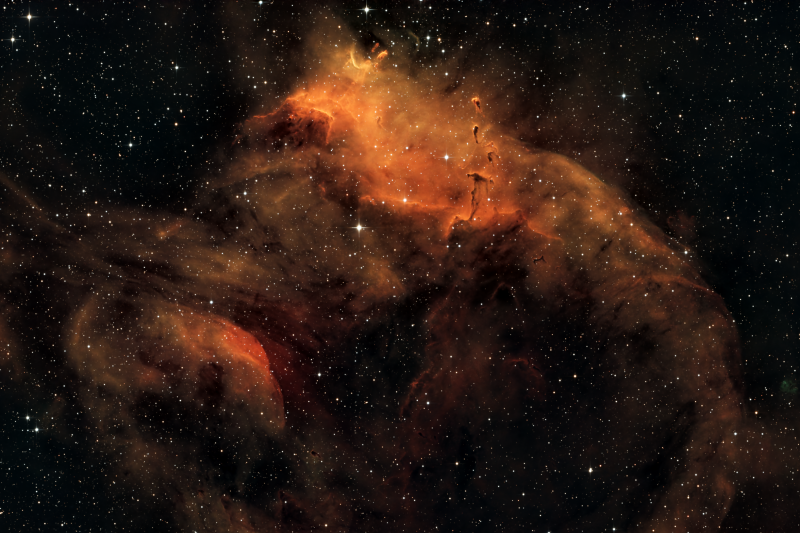
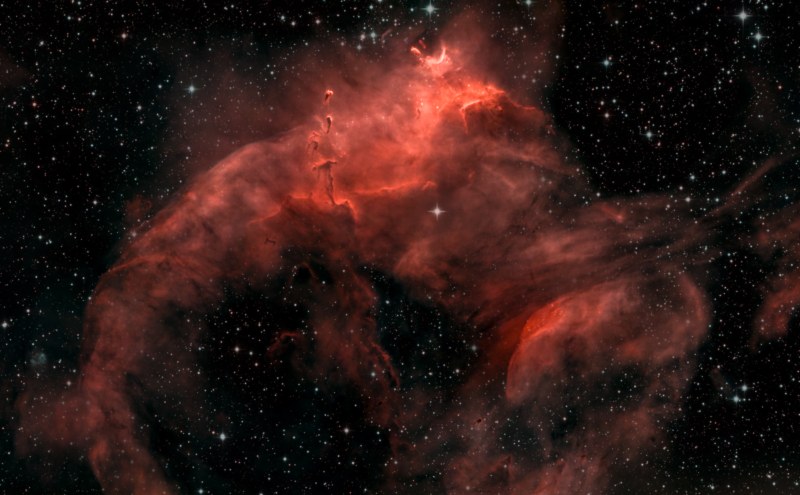
Hi James, I love your image. I'm new to astrophotography and had no idea about the concept of doing a Linear Fit to even out channels. It seems you can extract colours that are not apparent with basic edits (as in my case)
Is this easy to do ? I had no idea.
Thanks for sharing.
Thank you for your nice comment on my image! Linear Fit is not hard to do, and there are a few ways of doing it. One way is to use a script that Jürgen Terpe has published called AutoLinearFit, which usually works well, but the way I usually do it is to open the Statistics process and for each of your channels check what the "median" figure is. Then open the LinearFit process and, using whichever channel is the weakest (lowest median figure) apply that as the model to the other channels.
Awesome.. I've been using SPCC (Spectrophotometric Colour Calibration) in Siril but had no idea you can use Linear Fit to tweak the other channels to bring out colours that are not visible in the default view. I guess you can't do both, it's either one of the other, correct ? In any case I've learnt something new.
I don’t usually use SPCC on narrowband data since I haven’t loved the results.